Step 3: Add Users
Learn how to bring your team on board and manage their access within your organization.
Sub-Step 1
Add Employees
Access the employees menu to start building your organization's workforce records.
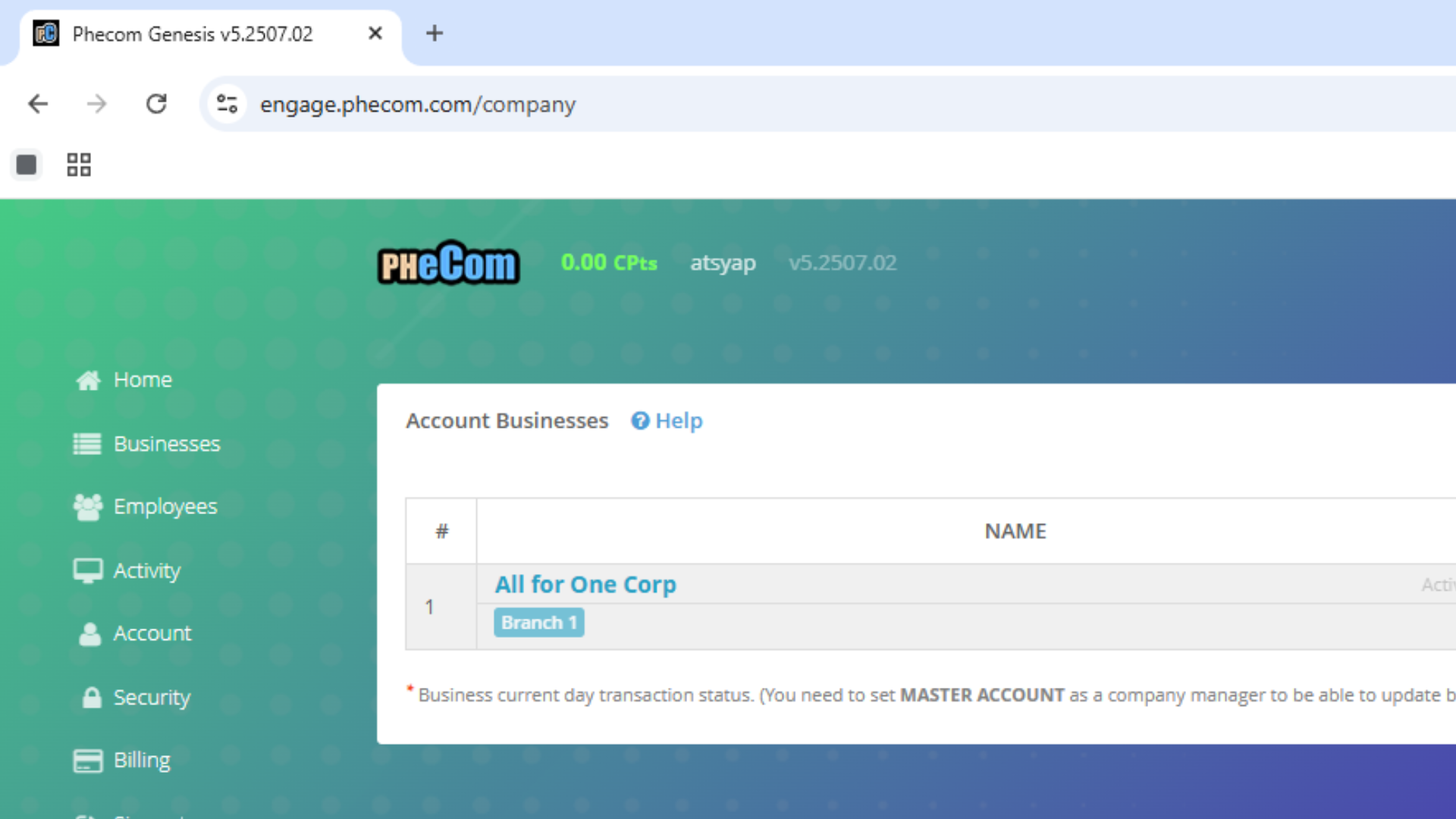
Click for Full View
Sub-Step 2
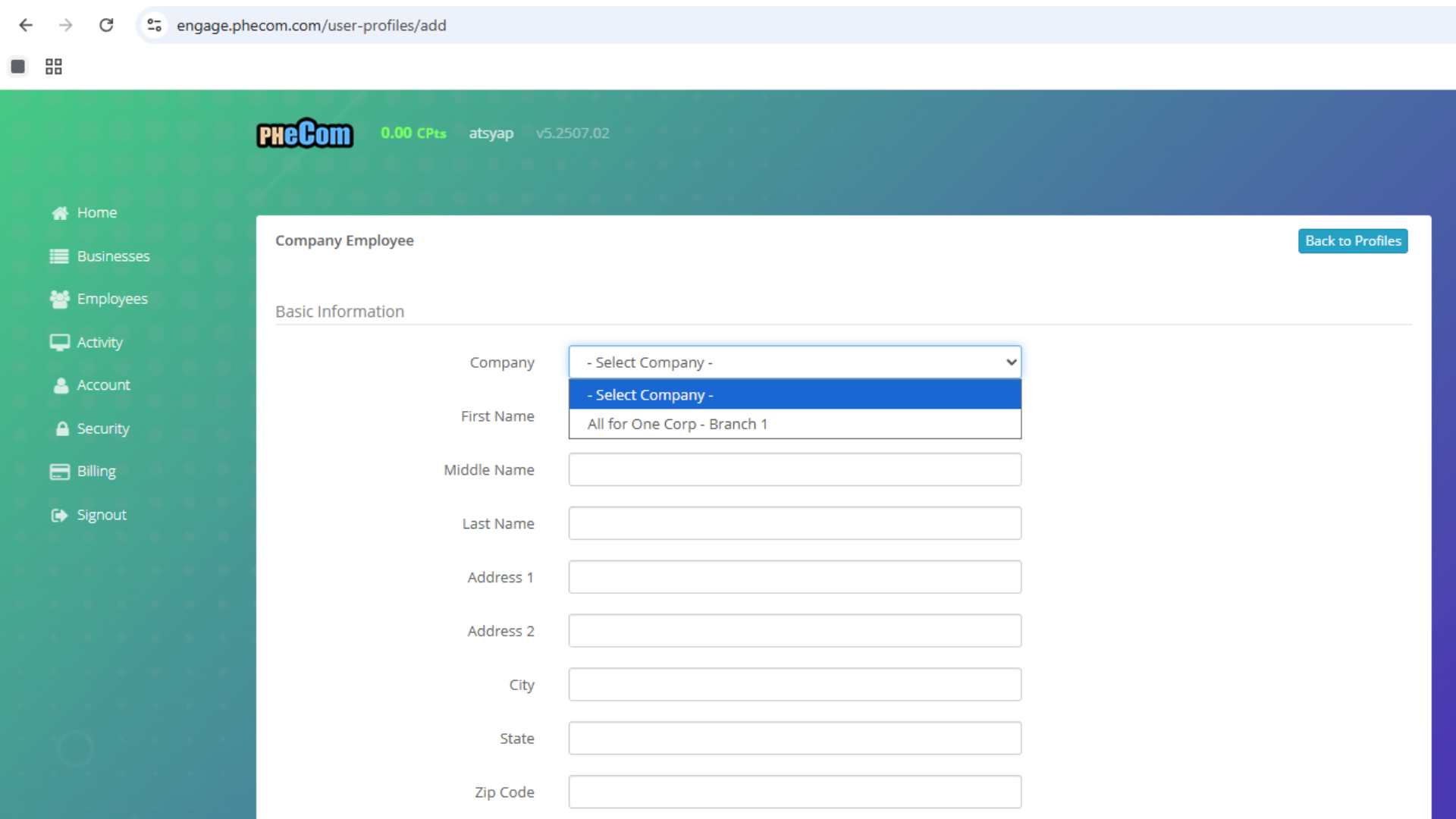
Complete Employee Profile
Input detailed information for each employee, including their personal details and contact information.
Click for Full View
Sub-Step 3
Assign to Business/Branch
Take notice of What Business/Branch are you assigning the employee
Sub-Step 4
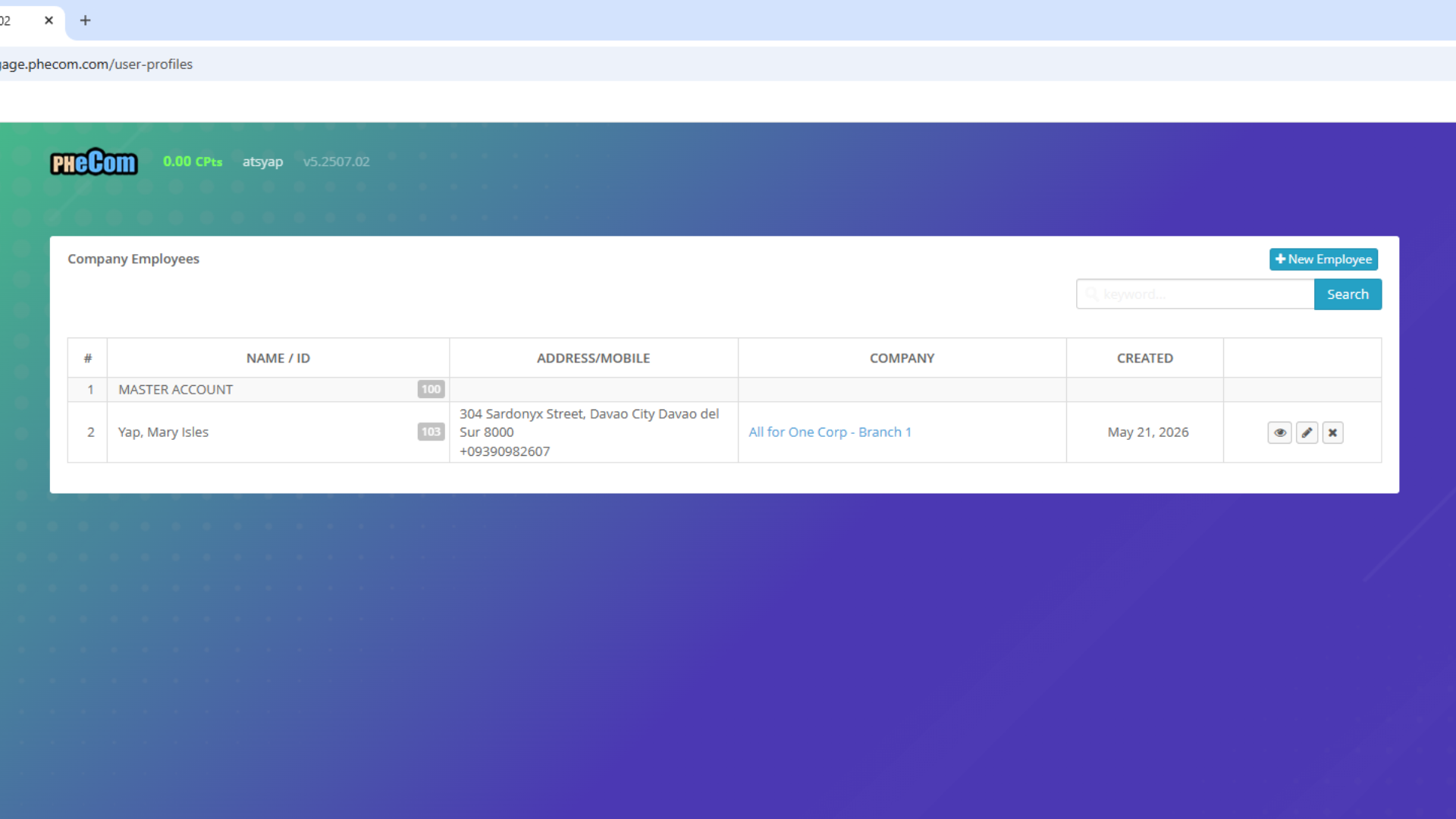
Verify Registration
Check employee registered and their ID number because this will be used for login
Click for Full View