Available Goods for Sale
Managing inventory intended for retail. Learn how finished goods integrate with sales points for automated stock tracking.
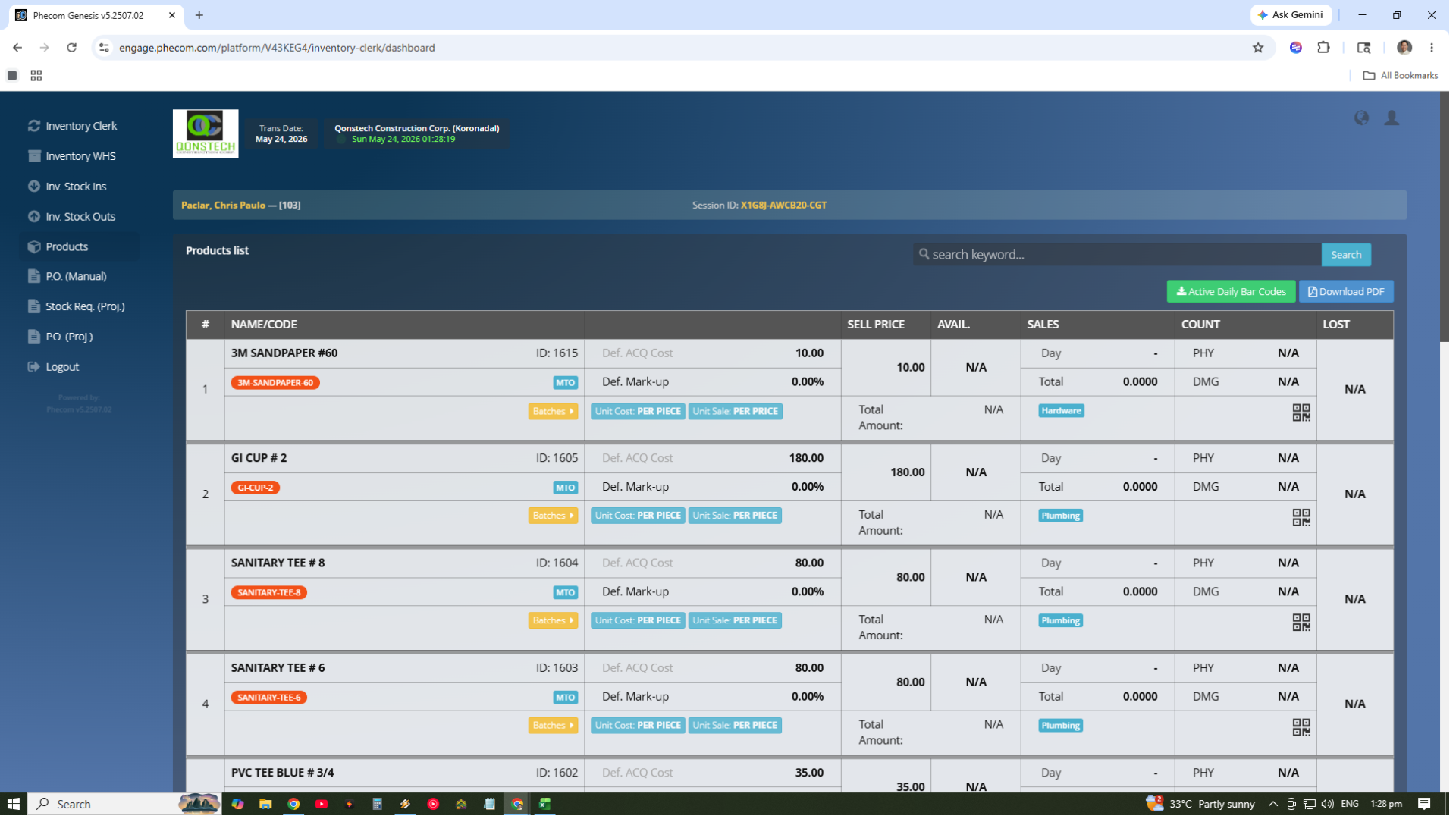
Items are listed with profit margins (selling price) rather than just acquisition cost.
Directly integrated with the Point of Sale module for front-end retail transactions.
Stock levels decrease in real-time the moment an item is scanned and sold at the counter.
Transactions immediately update revenue reports and cost of sales data in Accounting.
Core Operational Actions
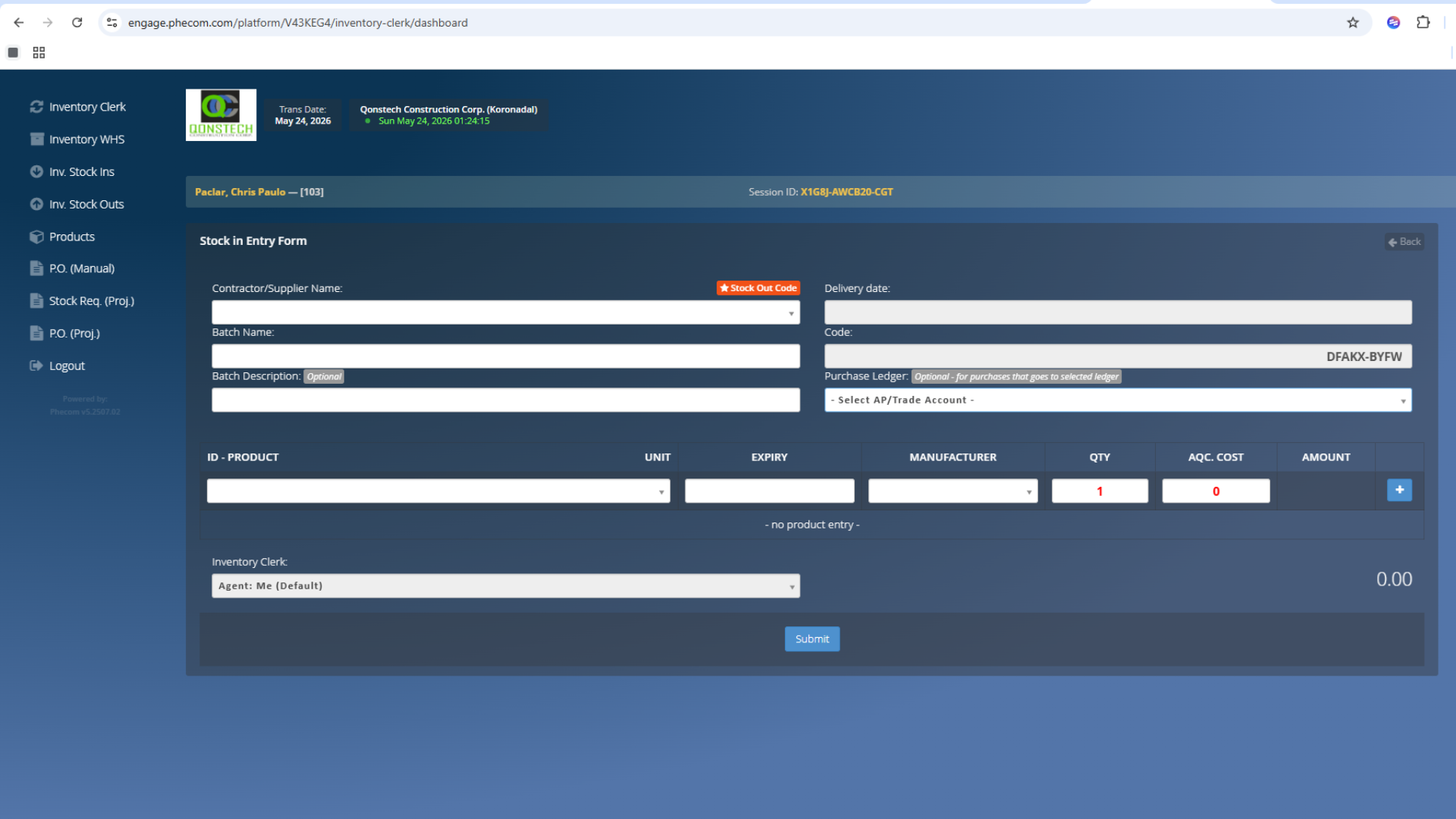
Officially record new stock arrivals. Ensure quantities and unit costs are accurately entered to maintain correct inventory valuation and financial records.
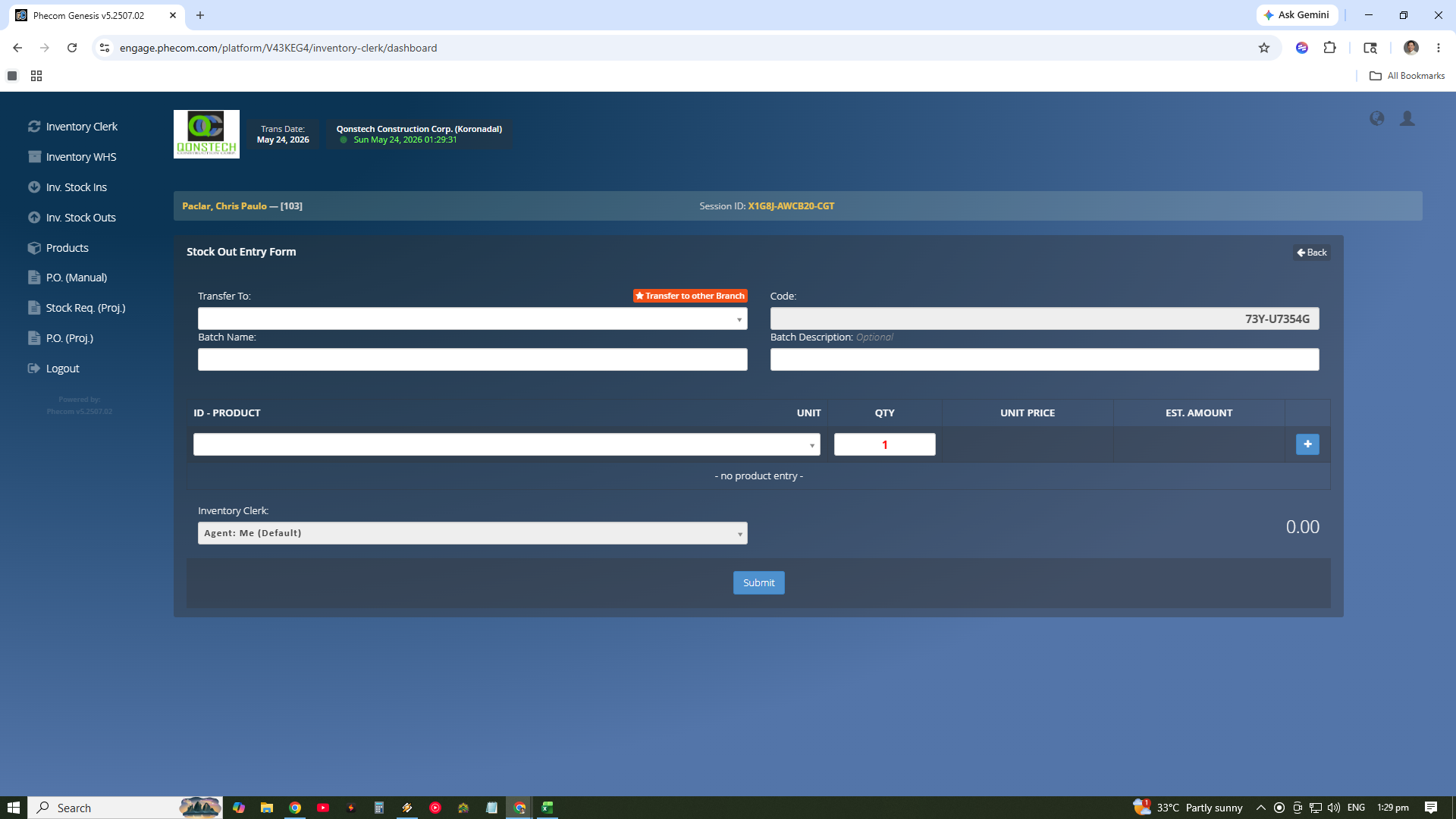
Track stock movement outside the warehouse. Whether it is for sales, internal usage, or transfers, every movement is logged for absolute traceability.
Access real-time dashboards to view current stock levels, movement history, and aging reports. Use automated alerts to manage reorder points effectively.
Retail Optimization
By listing items as "Available Goods", you enable the ERP's retail engine. This setup ensures that for every item sold at the POS, your inventory valuation and stock levels remain 100% accurate without manual data entry.