Core Distinction: POS vs Cashier
Point of Sales (POS)
"POS are for processing sales and fulfilling sales on terms."
CASHIER
"Handles Disbursements, Closure of AR, and bank related transactions."
Setup Configurations
Choose the workflow that fits your business model
Individually executed transactions where one user handles both product selection and payment.
Many product handlers (Front) with centralized cash handling (Main).
Advanced workflow separating high-volume invoicing from the payment terminal.
POS Handlers
Specialized roles for efficient sales operations
The primary terminal used for quick item scanning and initial transaction entry at the storefront.
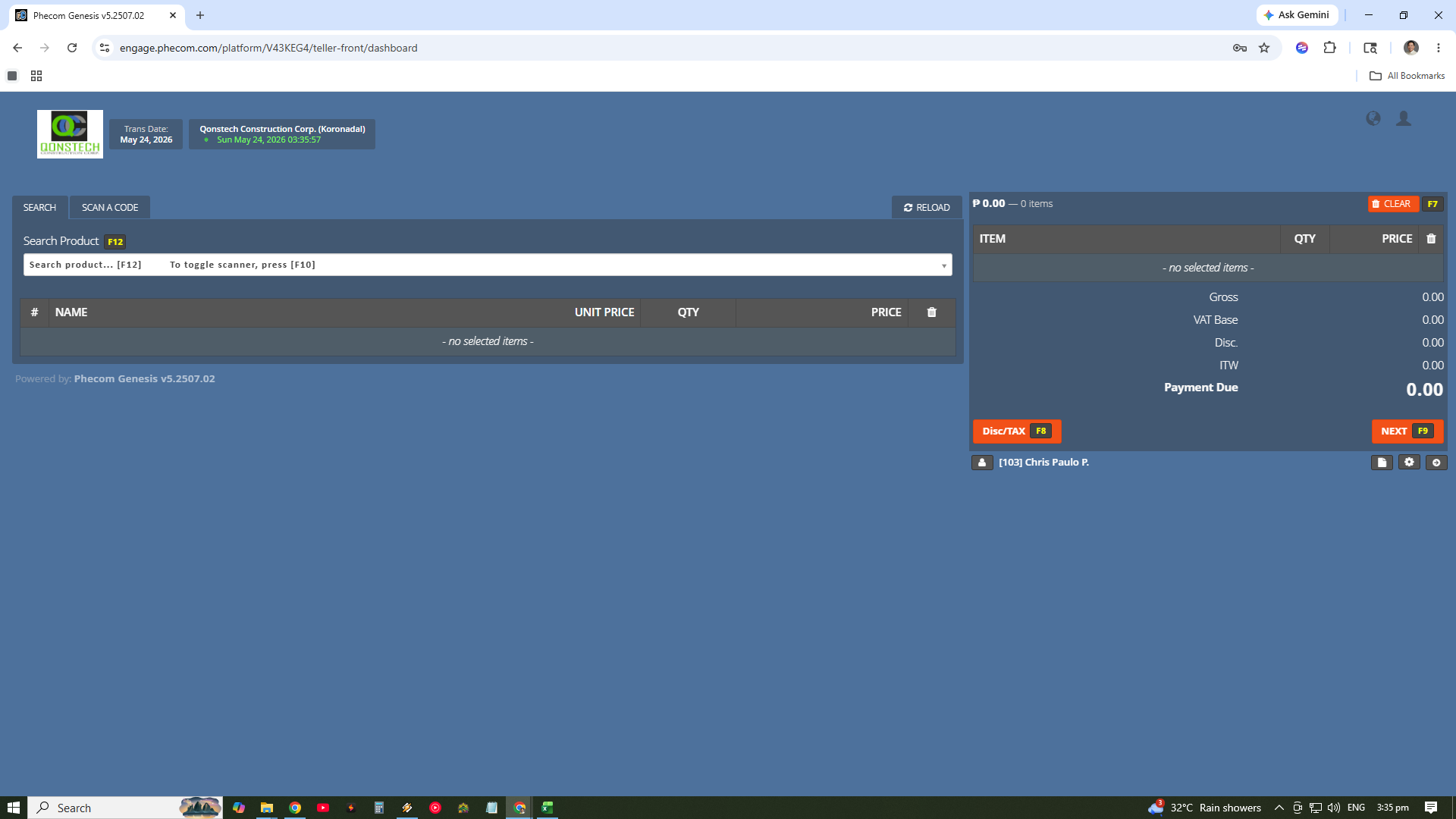
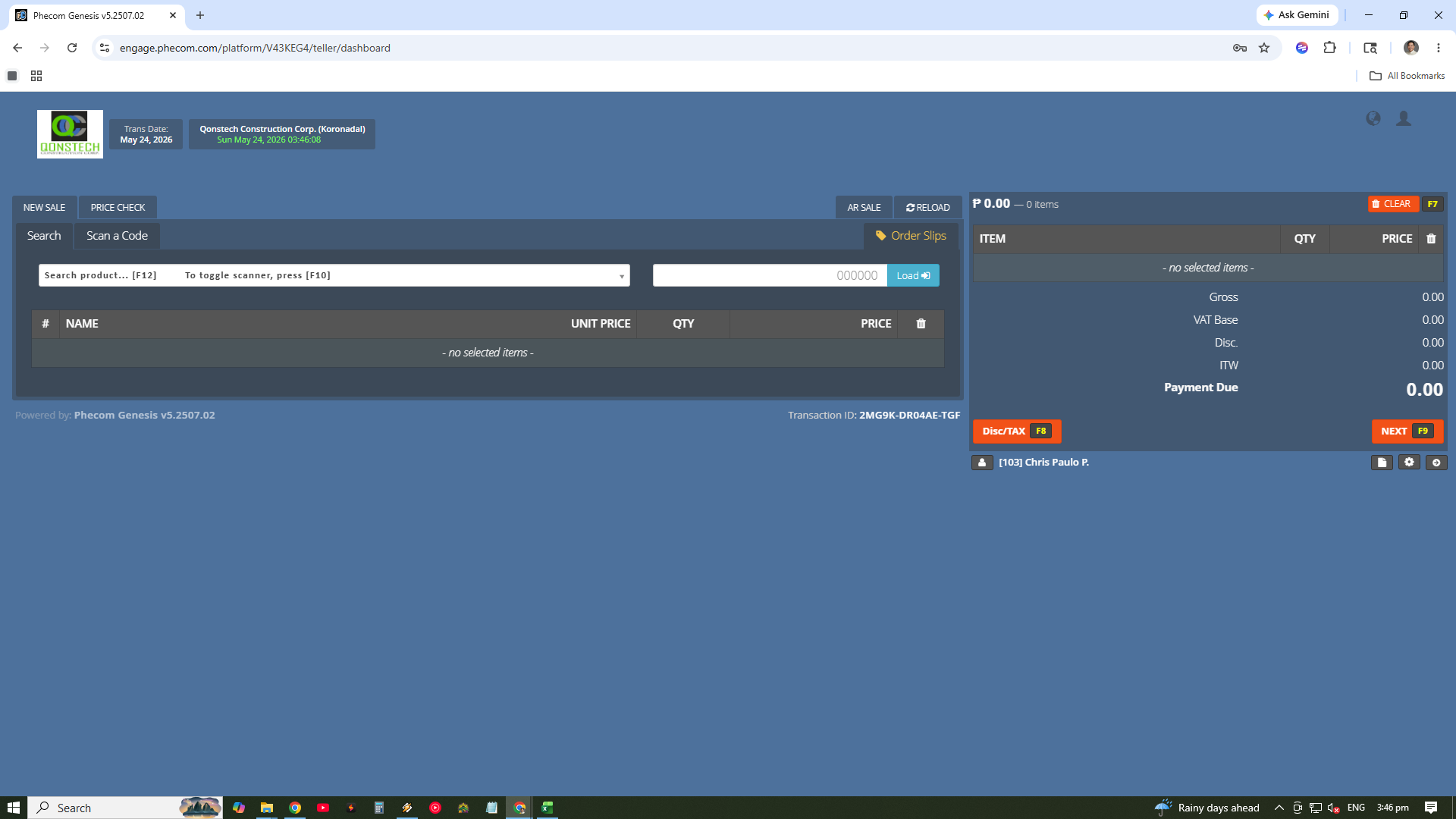
The centralized role responsible for final settlement, cash collection, and balancing daily branch sales.
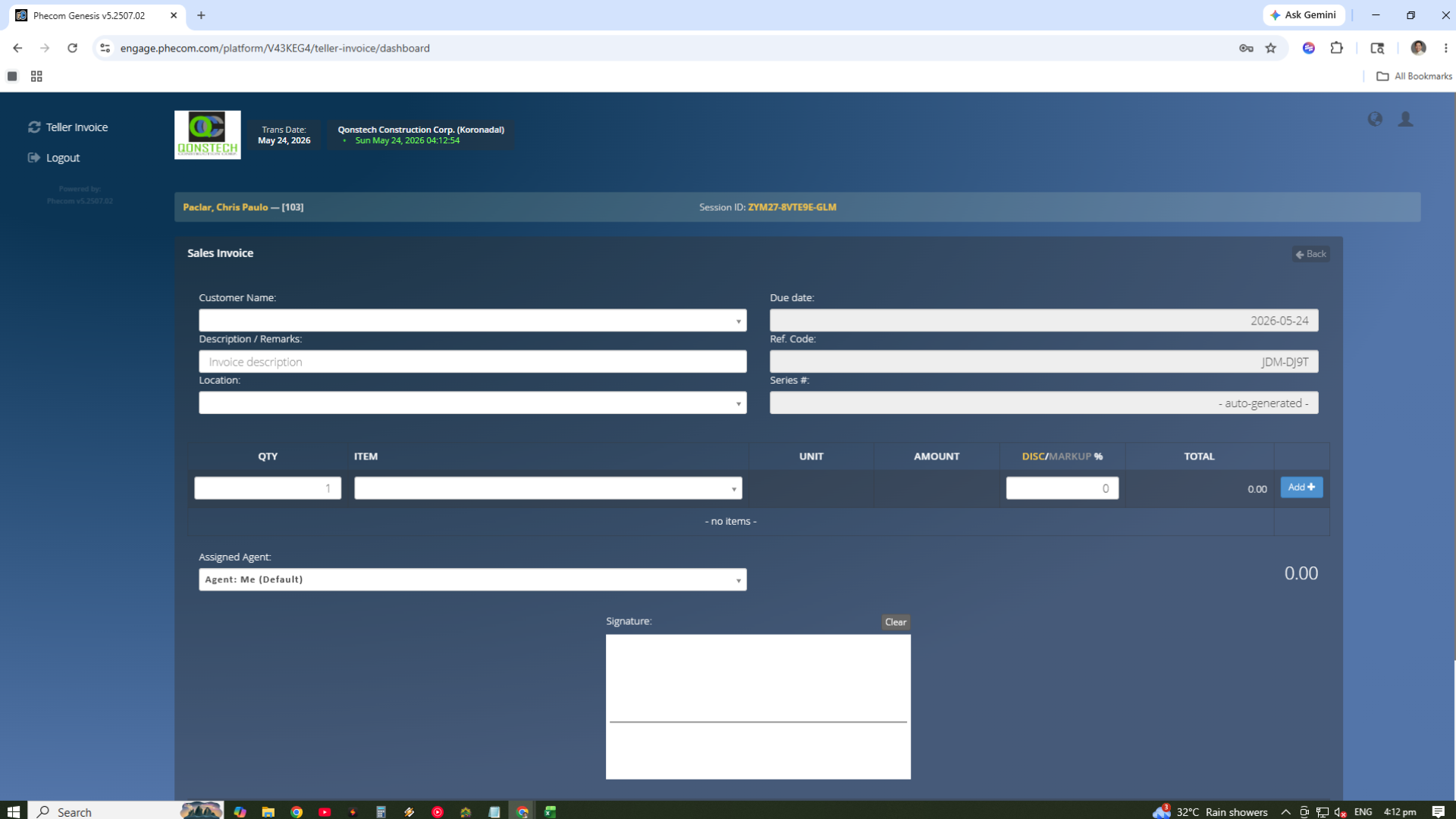
A specialized handler for generating detailed invoices and managing agent-assisted sales interactions.
Hardware Compatibility
Ready for professional retail peripherals
Plug and play ready. Standard scanners are instantly recognized for high-speed item entry.
Standard office printers are recognized automatically for printing invoices and sales reports.
Specialized thermal receipt printers are supported but require initial configuration and driver setup.
Real-Time Sync
Every transaction processed through the POS module instantly updates the Inventory levels and reflects in the Accounting reports. This automation eliminates the need for manual stock audits and ledger updates at the end of the day.