Setup Add'l SL
Define the granular records that support your General Ledger accounts for more detailed financial tracking.
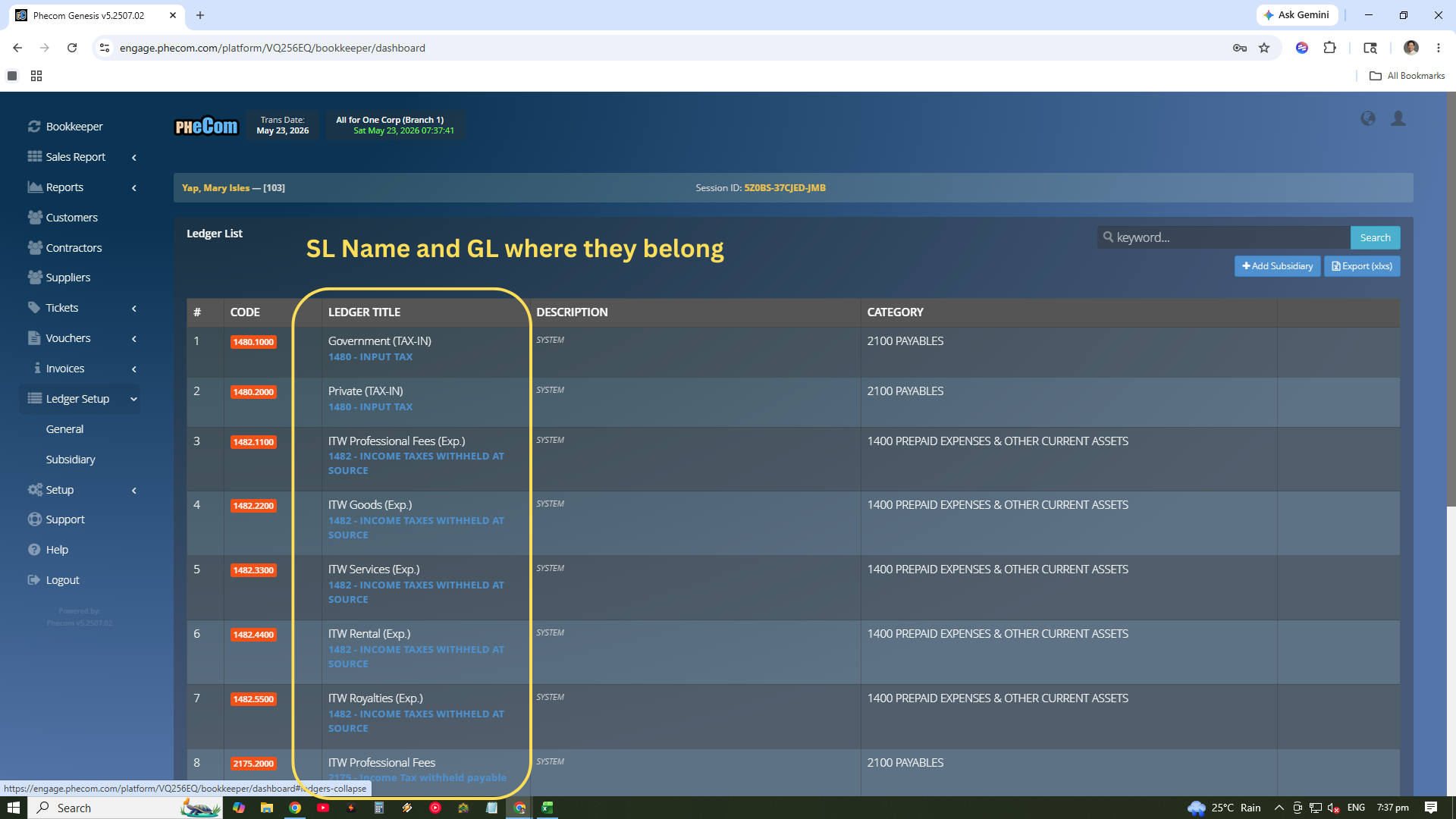
Automatically generated when setting up Accounts Receivable (AR) or Accounts Payable (AP). These are linked directly to your CRM records for Customers, Contractors, and Suppliers.
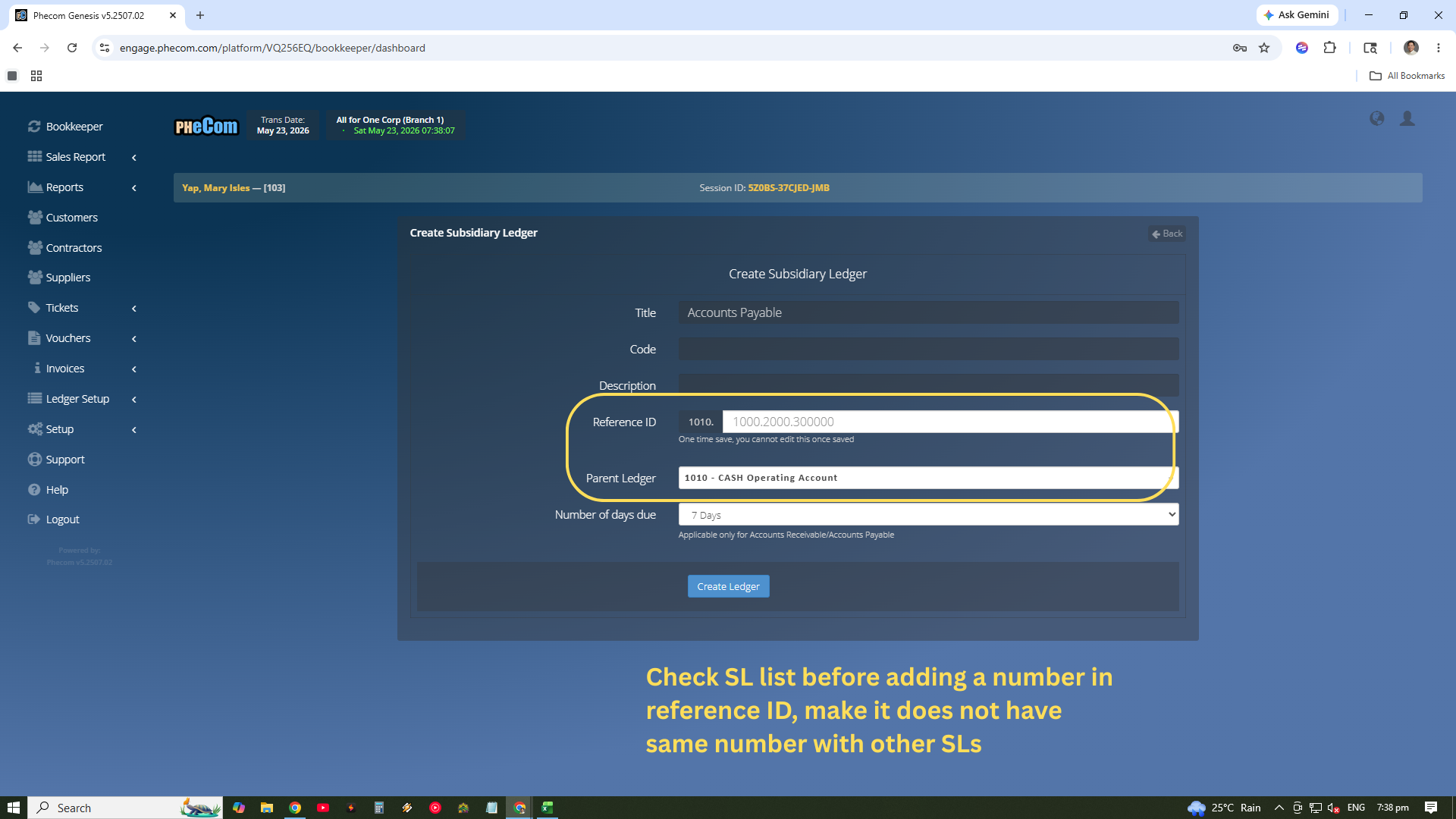
The ability to manually designate specific Subsidiary Ledgers for any GL or Account Title, such as tracking specific project assets or departmentalized expenses.
System Integrity Alert
"CAUTION: Avoid creating SL on Cash or GL Accounts that do not require adding SL."
Adding unnecessary Subsidiary Ledgers to core accounts like Cash can over-complicate bank reconciliations and lead to "Data Bloat" in your financial reports. Only add SLs where specific entity tracking is mission-critical.
Migration Notice
"During Migration, If GL Account has multiple Subledgers, it is necessary to create Beginning Consolidated Balance SL. After Fully Migrated, reclassification of each individual is necessary."
The Detail/Summary Balance
Subsidiary Ledgers are for answering "Who owes us?" or "Exactly what materials are in stock?". The General Ledger is for answering "How is the business performing overall?". Use SLs only when you need to track individual entities or items within a larger category.